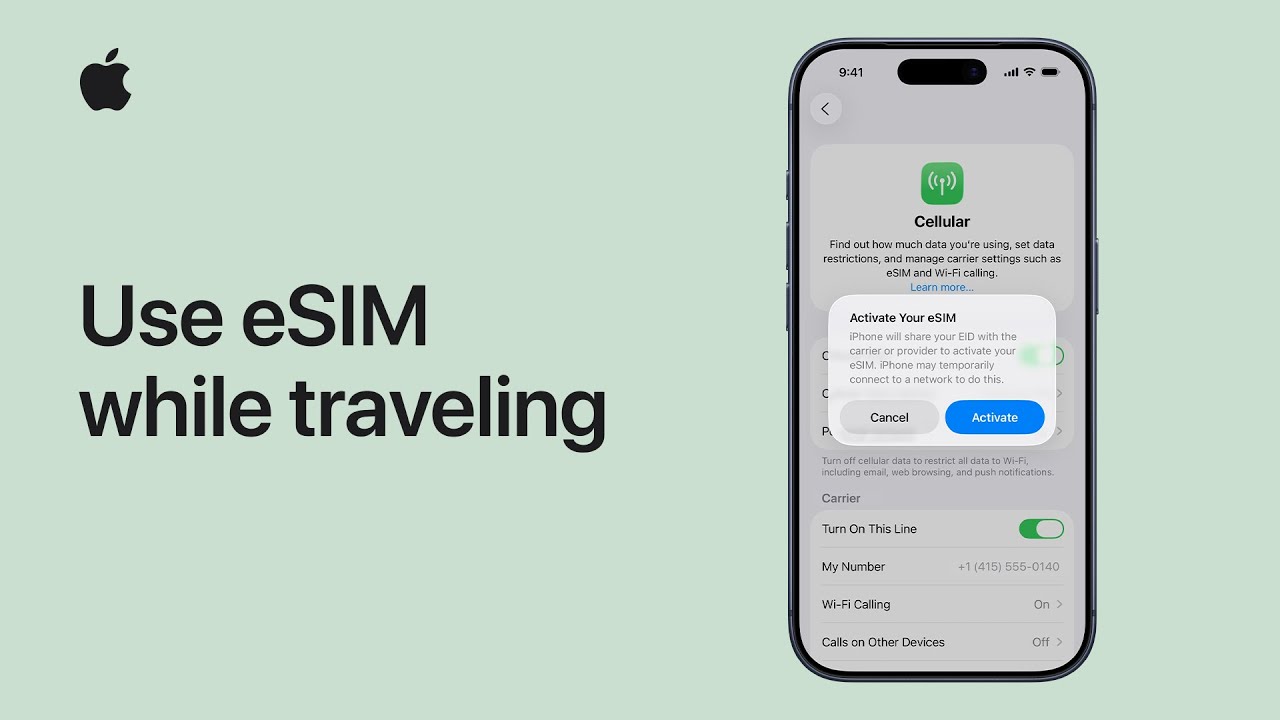
How to Use a Data-Only eSIM While Traveling Internationally (iPhone Guide)
Traveling abroad no longer means swapping SIM cards, hunting for local mobile shops, or dealing with expensive roaming fees. With a data-only travel eSIM, staying connected is faster, safer, and more flexible — especially on iPhone.
Apple now fully supports eSIM for international travel, making it easy to install, manage, and switch mobile data plans digitally. In this guide, we’ll explain how data-only eSIMs work, what Apple recommends, and why services like eSIMlii are ideal for travelers.
👉 Related: Check if your phone supports eSIM
What Is a Data-Only Travel eSIM?
A data-only eSIM provides mobile internet access without traditional voice calls or SMS. Instead, it focuses entirely on mobile data, which powers:
-
Messaging apps (WhatsApp, iMessage, Messenger, LINE)
-
Maps and navigation
-
Email and cloud apps
-
Video calls (FaceTime, Zoom, Google Meet)
-
Social media and streaming
This makes data-only eSIMs perfect for modern travelers — and it’s exactly the type of travel eSIM offered by eSIMlii.
👉 Explore plans: https://www.esimlii.com
Why Apple Recommends eSIM for International Travel
Apple officially explains that eSIMs are designed to simplify travel by eliminating physical SIM cards and allowing multiple mobile plans on one device.
According to Apple Support:
-
eSIMs are more secure than physical SIM cards
-
iPhones can store multiple eSIMs
-
You can use a travel eSIM alongside your home SIM (Dual SIM)
🔗 External authority link:
Apple Support – Use eSIM while traveling internationally with your iPhone
https://support.apple.com/en-us/118227
This official guidance confirms that prepaid data-only travel eSIMs from global providers are a recommended option for international travelers.
What You Need Before Using an eSIM Abroad
Before installing a travel eSIM, make sure you have:
-
An eSIM-compatible iPhone (iPhone XS, XR, or newer)
-
An unlocked device
-
Wi-Fi or temporary internet access during installation
-
A supported destination
👉 Internal link: Supported Devices for eSIM
Installing your eSIM before departure ensures instant connectivity once you land.
How Data-Only eSIMs Work on iPhone
Once installed, your iPhone allows you to choose which line handles mobile data.
Typical setup:
-
Primary SIM ? Calls & SMS
-
Travel eSIM (eSIMlii) ? Mobile data
You can manage this at: Settings ? Cellular ? Cellular Data
Apple also explains that newer iOS versions may prompt you to Turn On Travel eSIM automatically after arrival.
🔗 External reference: Apple eSIM setup and management details https://support.apple.com/en-us/HT212780
Using a Data-Only eSIM While Traveling
Step 1: Install the eSIM
Scan the QR code provided by your eSIM provider.
🎥 External video reference:
YouTube – How to use eSIM while traveling with your iPhone https://www.youtube.com/watch?v=s21mVJiZyCE
Step 2: Set the eSIM for Mobile Data
Select your travel eSIM as the default data line.
Step 3: Disable Data Roaming on Your Home SIM
This prevents unexpected roaming charges.
Step 4: Use Internet-Based Communication
Apps like WhatsApp, FaceTime, Telegram, and Messenger work perfectly with data-only eSIMs.
Why Data-Only eSIMs Like eSIMlii Are Ideal for Travelers
Data-only eSIMs are best if you:
-
Prefer messaging apps over traditional calls
-
Want instant connectivity after landing
-
Travel frequently or across multiple countries
-
Don’t want physical SIM cards
With eSIMlii, travelers get:
-
Digital activation
-
No contracts
-
No physical SIM
-
Multi-country coverage options
👉 Internal link: Buy a Travel eSIM from eSIMlii
Returning Home After Your Trip
When you return home:
-
Turn off the travel eSIM
-
Switch mobile data back to your primary line
Apple notes that newer iOS versions may automatically restore your home SIM settings after returning to your country.
🔗 External reference: Apple – Switching eSIMs and managing cellular plans
https://support.apple.com/en-us/HT209044
Common Mistakes to Avoid
-
Leaving mobile data on your home SIM
-
Expecting traditional calls on a data-only plan
-
Installing the eSIM without Wi-Fi
-
Forgetting to select the correct data line
Avoiding these ensures smooth connectivity abroad.
Final Thoughts
Apple’s official eSIM support confirms what travelers already know: digital SIMs are the future of international connectivity.
If you rely on apps, maps, and messaging, a data-only travel eSIM like eSIMlii provides everything you need — without roaming fees or SIM card hassle.